
Understanding MFA
Multi-Factor Authentication (MFA) is a security process that requires users to provide two or more verification factors to gain access to an account. These factors typically fall into three categories:
- Knowledge Factor: Something the user knows, such as a password, PIN, or answers to security questions.
- Possession Factor: Something the user has, such as a mobile device, smart card, or token that generates a one-time code.
- Inherence Factor: Something inherent to the user, such as biometric data (fingerprint, facial recognition, voice recognition).
MFA enhances security by adding layers of protection beyond just a password, making it significantly harder for unauthorized users to access accounts even if they obtain login credentials.
Box enables users to set up 2-factor authentication for their accounts. The first factor is a password. The second factor is a one-time password (OTP), which is the possession factor, and users can choose SMS or authenticator apps for their second factor. In our company’s case, we are implementing DUO mobile as our authenticator app.

How It Works
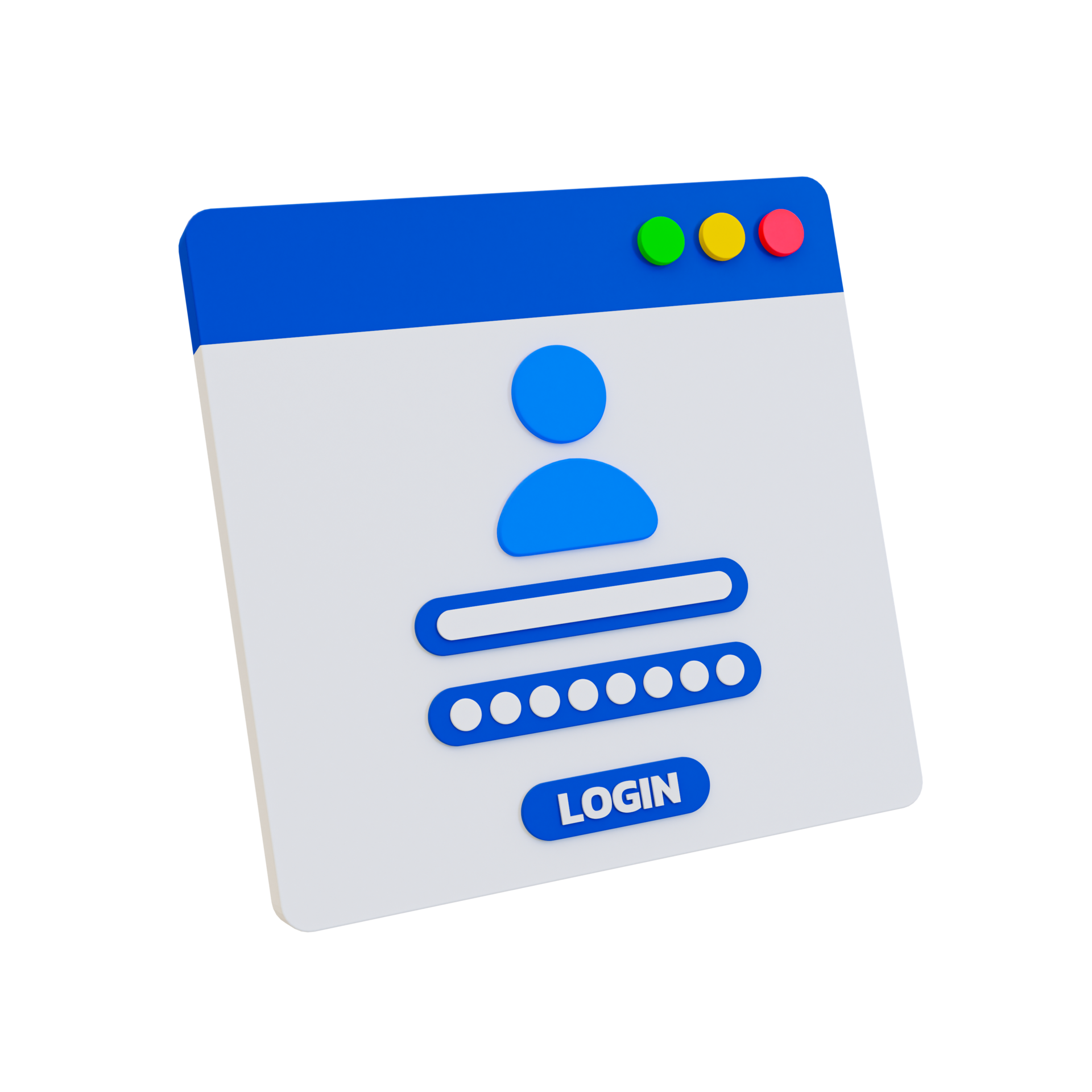
1. Enter username and password as usual
- Start by entering your username and password into the login page as you normally would for the specific platform or service you are accessing. This initial step confirms your identity based on something you know (your login credentials).
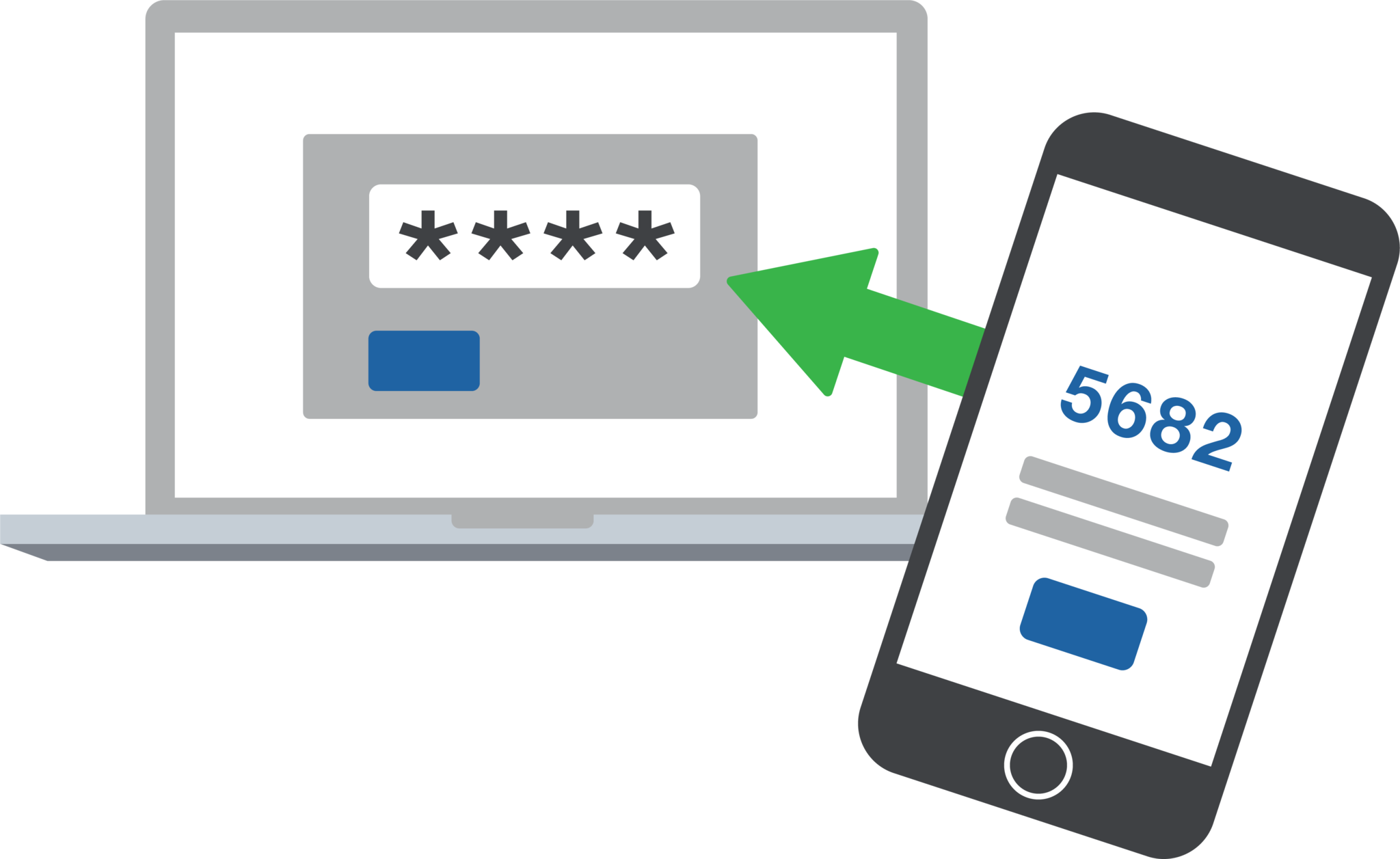
3. Securely logged in
- Once you successfully verify your identity using your registered device, you are securely logged into the system or application.
- The multi-factor authentication process adds an extra layer of security beyond your username and password, significantly reducing the risk of unauthorized access even if your login credentials are compromised.
- Enjoy your secure access to the platform or service, knowing that your account is protected by multi-factor authentication.
2. Use your registered device to verify your identity
- After entering your username and password, the system will prompt you to verify your identity using your registered device.
- Depending on the MFA method chosen (such as push notification, one-time passcode, or biometric verification), follow the on-screen instructions to complete the authentication process.
- For example, if you use a mobile app like DUO, you might receive a push notification asking you to approve the login attempt. Alternatively, you might enter a one-time passcode generated by the app.


MFA’s effect on Box.
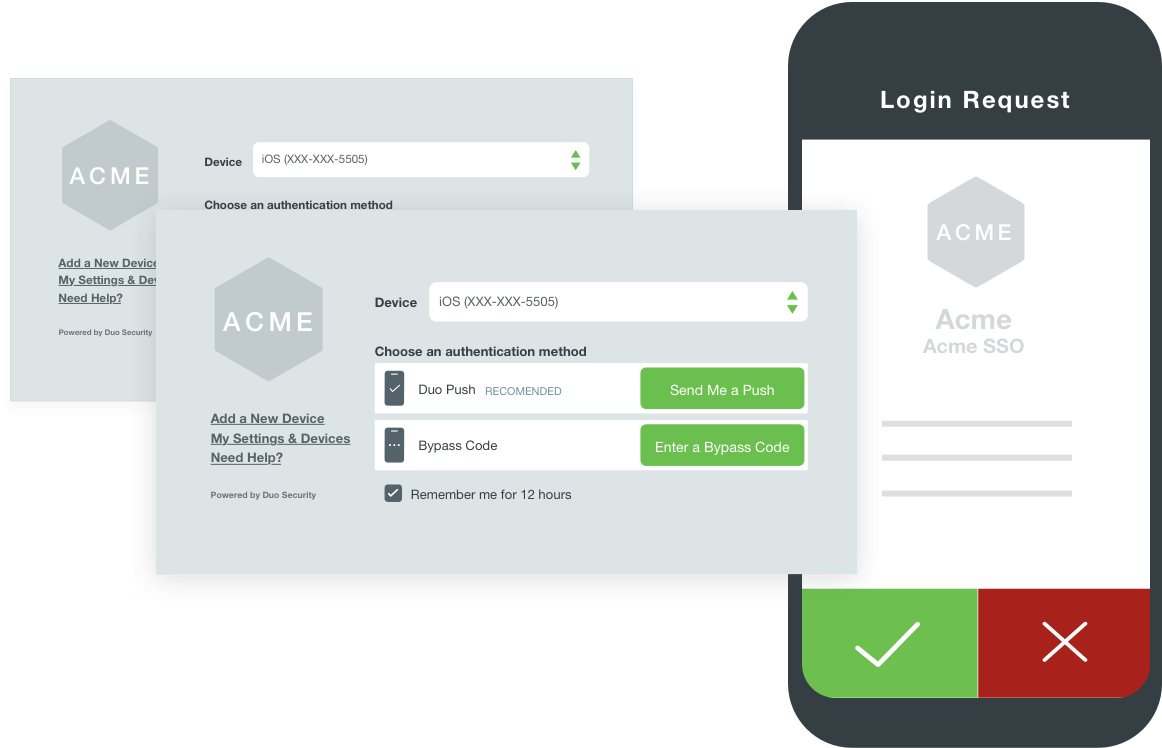
DUO is a popular MFA solution that offers seamless integration with various online services and platforms to enhance security. When DUO is integrated with Box, users are prompted to verify their identity using a second factor, such as a push notification to their mobile device, a phone call, or a one-time passcode generated by the DUO mobile app.
The integration with Box ensures that even if someone gains access to a user’s password, they cannot access the account without also having access to the user’s second-factor authentication method. This additional layer of security significantly reduces the risk of unauthorized access and helps protect sensitive data stored in Box.
FAQs about MFA and DUO authentication:
1. What is the benefit of using Multi-Factor Authentication (MFA)?
MFA adds an extra layer of security beyond passwords, reducing the risk of unauthorized access due to stolen or compromised credentials.
2. How does DUO authentication work with Box?
DUO integrates with Box to provide a second factor of authentication, such as a push notification, phone call, or one-time passcode, when logging in to a Box account.
3. Can I use DUO with other platforms besides Box?
Yes, DUO supports integration with a wide range of platforms and services, providing consistent multi-factor authentication across various applications such as a VPN.
4. Is DUO authentication easy to set up for users?
Yes, DUO offers user-friendly setup processes, including mobile app installation and device registration, to make authentication convenient while maintaining security.
5. What happens if I lose access to my DUO authentication device?
DUO provides backup methods such as one-time passcodes or contacting your organization’s IT support to regain access in case of device loss or issues.